Feb 27
A webdesign brief document for every website
Posted by Benedikte Vanderweeën on 27/02/2009
It’s no luxury to make a document for every website that you design. A document with a design description. Before starting a webdesign project, a webdesigner collects lots of information. You get a lot of information in your mailbox (clients tend to send you everything by e-mail), you receive a logo, a brochure and text for the webdesign, that’s about it. Over the years, I collected everything nicely in a folder with the name of the client. I still work this way but I add a design brief to every project now. The client receives also a copy of this document. It’s important information, my clients use this document for marketing material that they afterwards (after the launch of their website) need to order.
Summary of the content of this Brief Design Document
- Introduction
- Overall Description
- Structure and functionality
- Webdesign standards
- Screen resolution
- Browser compatibility
- Page Filesize
- Breadcrumb navigation
- Footer
Introduction
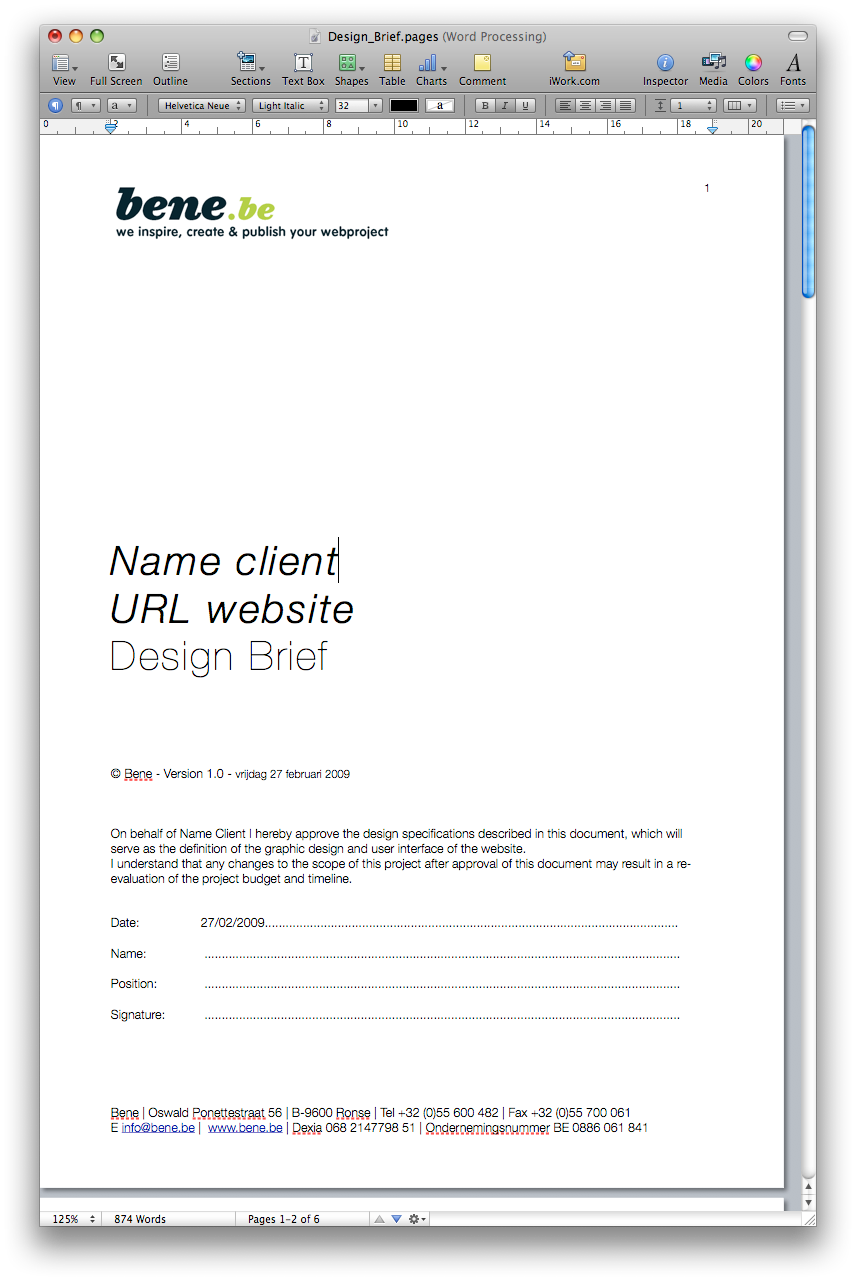
In the introduction part of the document, you explain the aim of the document, the name of your client and the name of the website. Point out that it is an agreement that both parties agree on. The document describes how the website will look and feel and how the visitor will experience the website.
Project management
Point out some Milestones in your project. To accomplish the milestones throughout the project, a good communication between you and your client will be needed. Agree on some dates where you will be meeting each other to communicate the project. It's important the client knows this before the projects starts.
Versions
Make a table with version control. Every time a change is made to the first specifications, you will need to update this document and offer a copy to your client.
Overall Description
Objectives
Try to describe the objective of the website. Client's do not always understand what you mean by this, but it is a good starting point to clear this out with your client. An objective can be to attrack more visitors for an event, or attrack more customers for a product, it can be about offering a tool to the visitors or to expose a new brand to the public.
Target groups
Try to describe the target groups of your website and try to imagine you are one of the target group: this group can be students, older people, kids, women, people between 20 - 60 yrs and so on. Describe as much detail as you know about this group. There can be more then 1 target group.
Visitors
The level of experience that your target group has with the internet is also important if you want your website to be efficient. Try to define the level of your target group.
Corporate identity
If there's an existing corporate identity, ask as much detail on it as possible
- Logo: is the logo available in the formats you need it? How many versions of the logo are in use, etc
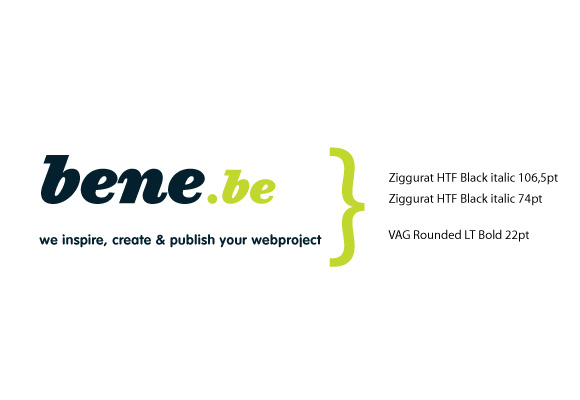
- Font: is their a font available, is the font licensed? 1 font or more?
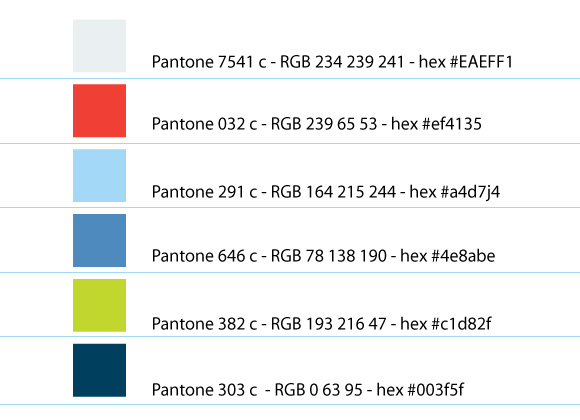
- Colors: are the colors defined? Define them in PMS colors for later use in print, colored paint, fabric and plastics.
- Domain: register the domain for your client if it is available, more then 1 domain? using multiple domains with multiple languages (dutch/french/english) ?
- Slogan: is a slogan used? Will the slogan or Baseline be used in the website? on what pages does it have to appear? on all pages? etc...
- Languages: in what languages does the website has to appear? In Belgium this is usually 3: dutch, french and english
Graphic design
Mostly the graphic design of the website will need to be related to all above things. Also the logo plays an important role in the graphic approach of a website. Try to feel what your client likes and try to convince with mock-ups you made. This is a difficult part, because your taste is not always the client's taste. It's important that by the beginning of the project you try to feel what a client really likes and what not. Mostly I start with my own style, my own design approach of the project. Write down a few words accordingly to your client, the activities, the product. Does the style has to be innovative, high-tech, etc?
Interactive design
Describe the interface of the webdesign. Visitors should be offered an inuitive and easily understood interface, with clear navigation. Try to keep the interface design not to overwhelming. Offer your content in a clear and easy way. Visitors should to able to navigate the website easily.
Example sites
Make a summary of websites your client likes and dislikes.. Make a list of the likes and the dislikes and try to imagine why your client likes it.
Structure and functionality
Make a structure and wireframe of the content. Name every page, every block of dynamic content. Will the website use a CMS (content management system)? If it does, what cms (Drupal, Joomla, Expression Engine, WordPress, TextPattern,)?
structure of website
Make a list of all the content and all the pages. Try to make the structure as simple as possible and make a clear and intuitive navigation,it'll help your visitors
homepage
Give special attention to the homepage of your website. Does the homepage shows every aspect of the project? Does it show the purpose of the project? Try to analyze your work by showing your design to people that can give constructive comments. You can submit your work to graphic design forums and ask for some feedback on the design. The homepage of a website mostly gives an overall impression of the other pages of the website.
Webdesign standards
Make a list of items that are important to webdesign standards. Explain it to your client and emphasize the importance of using these standards (speed, clear code, compatibility,user-friendly, accessibility, more future proof, content separate from design, etc..). Give examples of other websites by designers that support webstandards and mark the importance of using it.
Screen resolution
If you design for 1 screen resolution, define it (example 1024 x 768 px, liquid, more resolutions). Your customer sometimes expects other dimensions. Clear this out before starting.
Browser compatibility
Make a table and indicate the browser version that your website will be compatible with. Does the website has to show correctly in Internet Explorer 6 and 7? Make a list with the most common browsers: Mozilla Firefox, Apple Safari, Opera, Camino, IE6, IE7, IE8, Google Chrome
Page Filesize
Try to keep the filesize of your website pages as low as possible. Under 60 Kilobytes, including the code and the images
Breadcrumb navigation
If your website contains a lot of categories and content, use breadcrumbs to show the visitor where he is located in your website.
Footer
Include some basic navigation in your footer, like the address and telephone number of the company, copyright statement, sitemap, credits, other places on the web where the company has information stored.

Connect